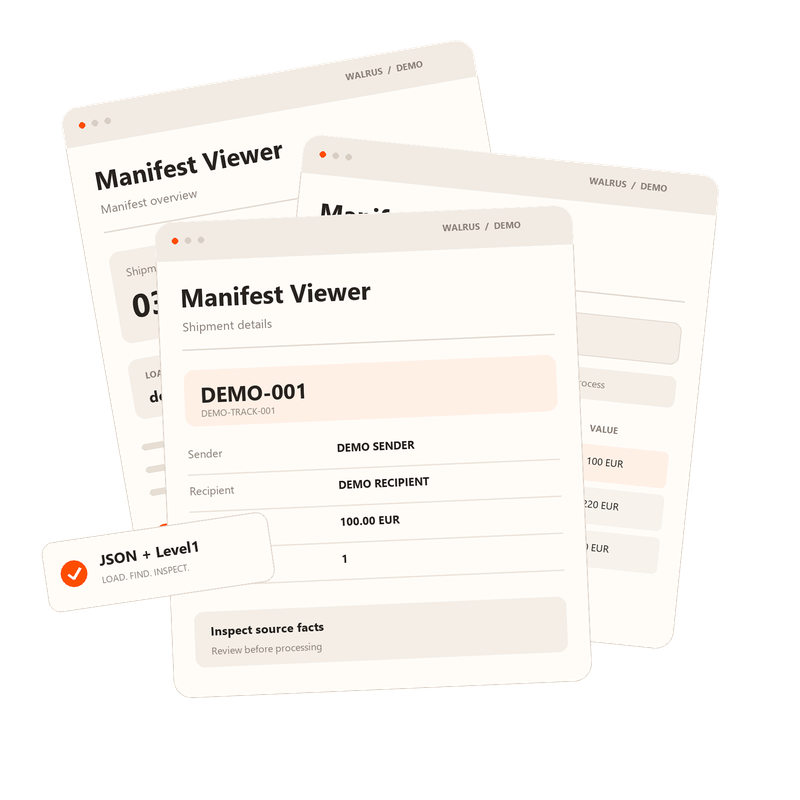
Manifest Viewer

The tool is designed to visualise business scenarios and processes for UPS and UPS ASC employees. It transforms machine-readable files into a clear, user-friendly format that is easy to understand and interpret.

Key Features

  • Structured Shipment Data Structured Shipment Data
  • Advanced Filtering & SearchAdvanced Filtering
    & Search
  • Customs Process Routing Customs Process Routing
  • Excel, JSON & CSV ExportExcel, JSON
    & CSV Export
  • Browser-Based Processing Browser-Based Processing

The Process in Four Steps

01

Upload a File

Select a supported Level 1 or JSON file and verify the number of shipments. For features involving customs value assessment, check the applicable exchange rate date.
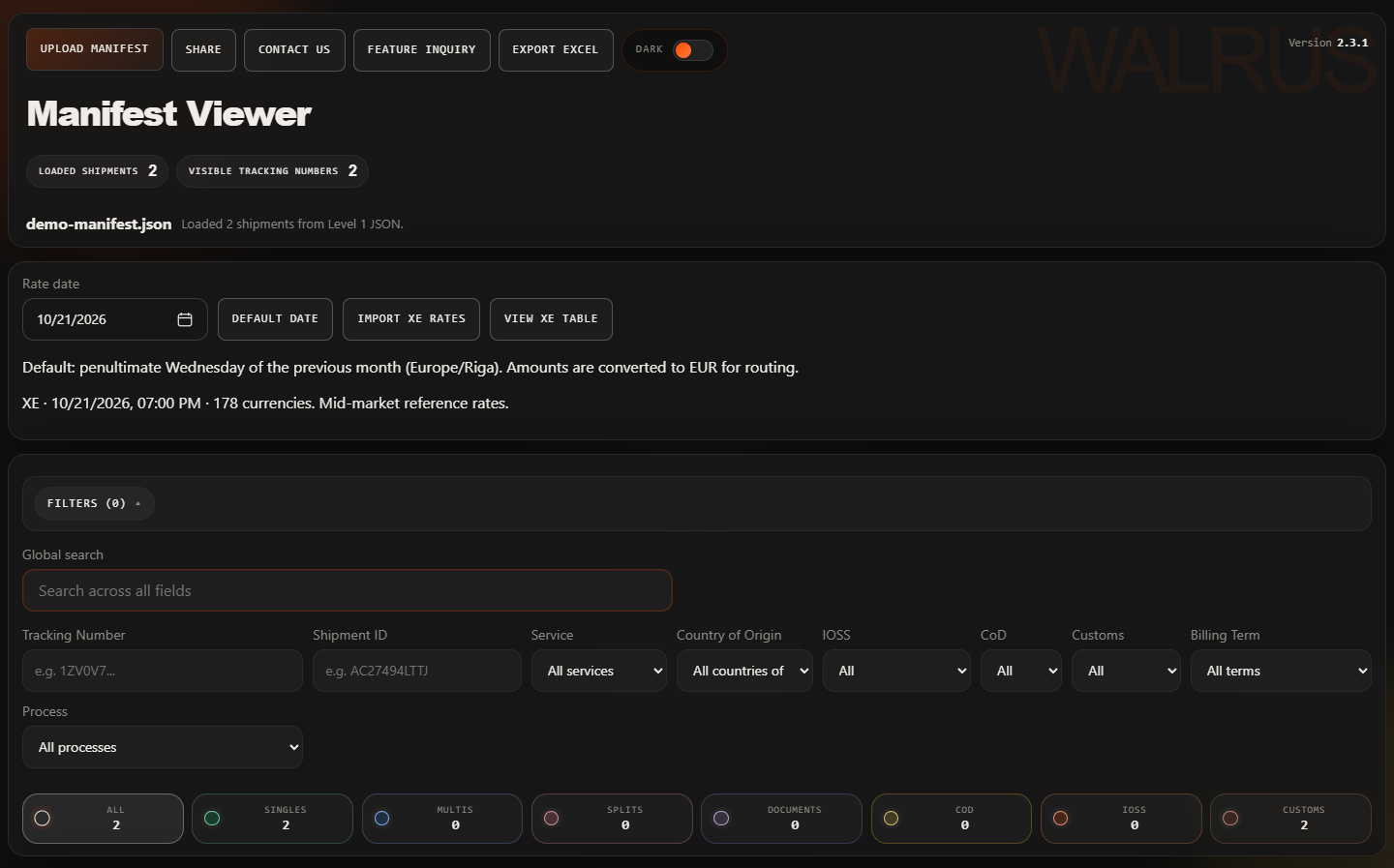
Manifest Viewer interface for uploading and filtering Level 1 and JSON shipment files

Actual local interface, version 2.3.1. All shipment records are synthetic.
02

Find the Records You Need

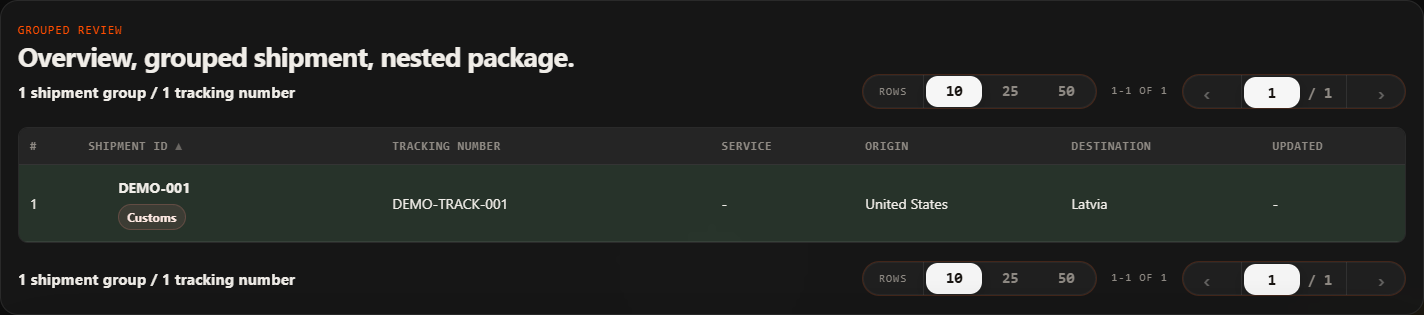
Search by Tracking Number or Shipment ID. Combine origin, service, IOSS and process filters to narrow your selection.

Searching and filtering grouped shipment records by tracking number

Searching for DEMO-001 reduces the two-shipment example to one result.

03

Review the Details

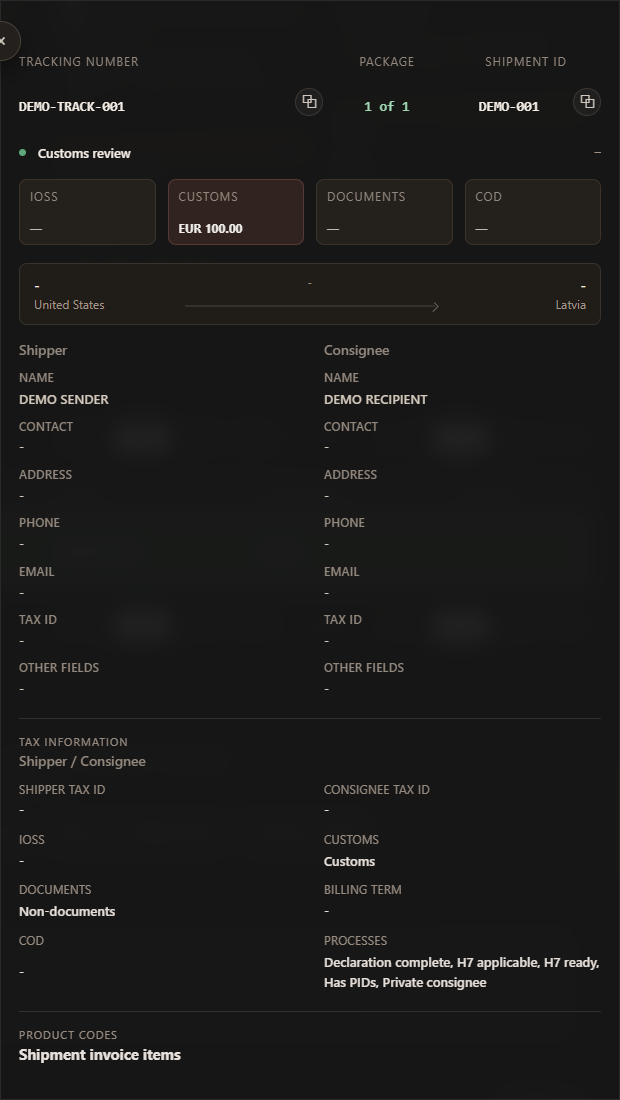
Open a shipment to review parties, packages, invoice items, product identifiers and its routing explanation. Missing information remains visible for follow-up.

Detailed shipment card displaying customs data, invoice items, and routing signals

Shipment card: inspect the source facts before acting.

04

Export the Results

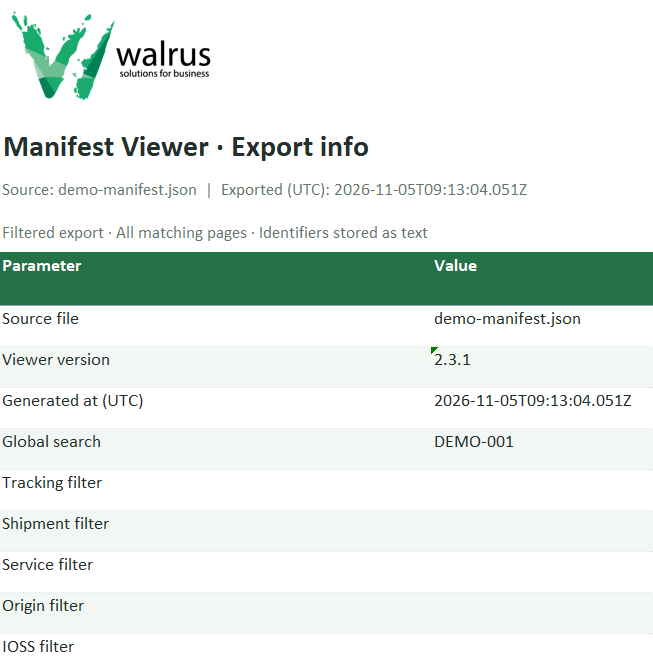
Download filtered results across every page to Excel, with separate Items, Packages and Export info sheets. Where the source does not assign an item to a particular package, the export records that uncertainty.

Excel export summary sheet with filtered shipment data and routing metadata

Export summary file showing all applied parameters and metadata.

Enlarged view
Review JSON or Level 1 manifest data Open Manifest Viewer